Fix Resume Guide
Are you looking for a resume maintenance platform that,
can specially customize your resume for different companies and roles,
maintains one or more sets of information that can be flexibly reused multiple times,
allows you to modify the layout style at your will,
supports bilingual Chinese/English,
keeps your data completely stored locally,
and is exclusively yours and completely free?
Then, choosing Fix Resume is the right choice ٩(ˊᗜˋ*)و
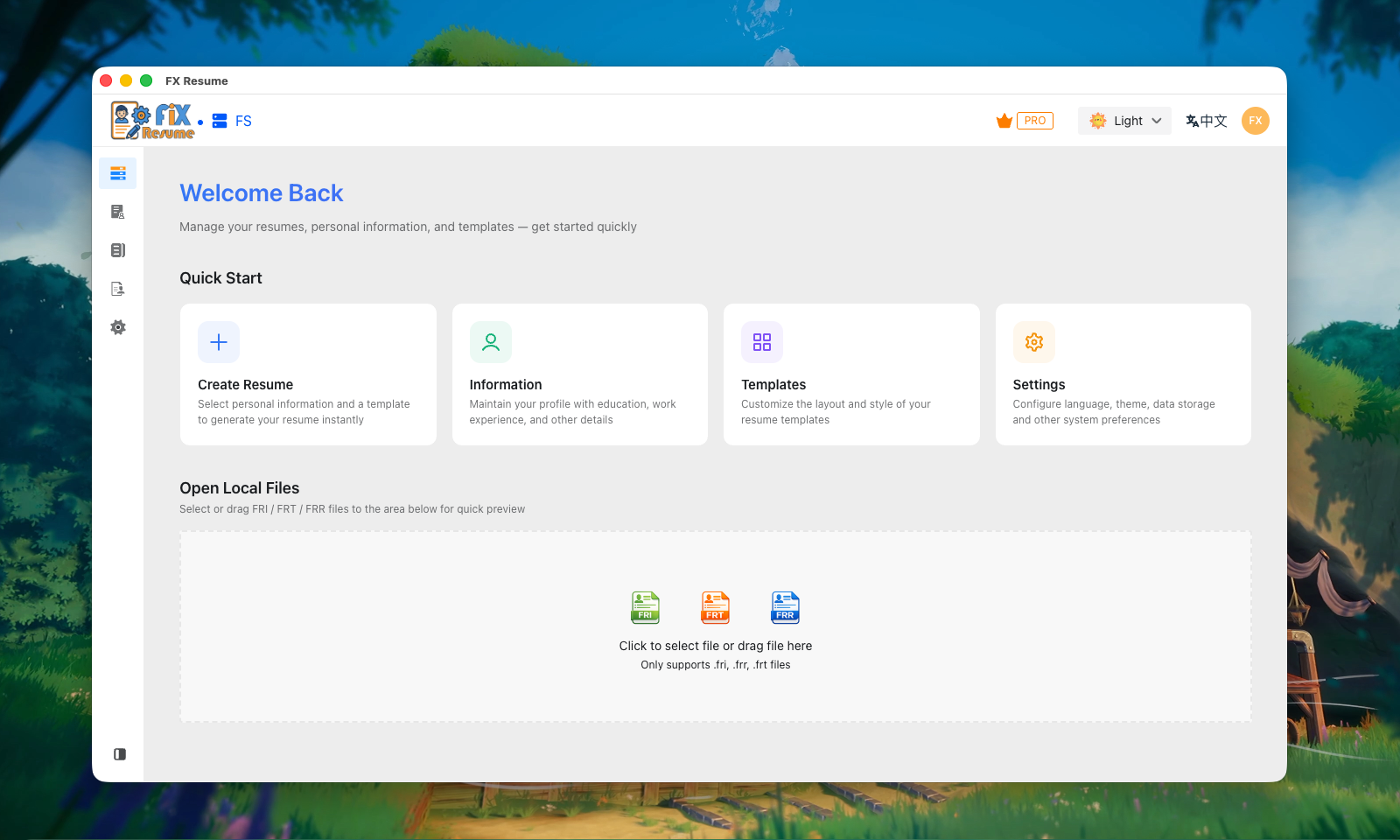
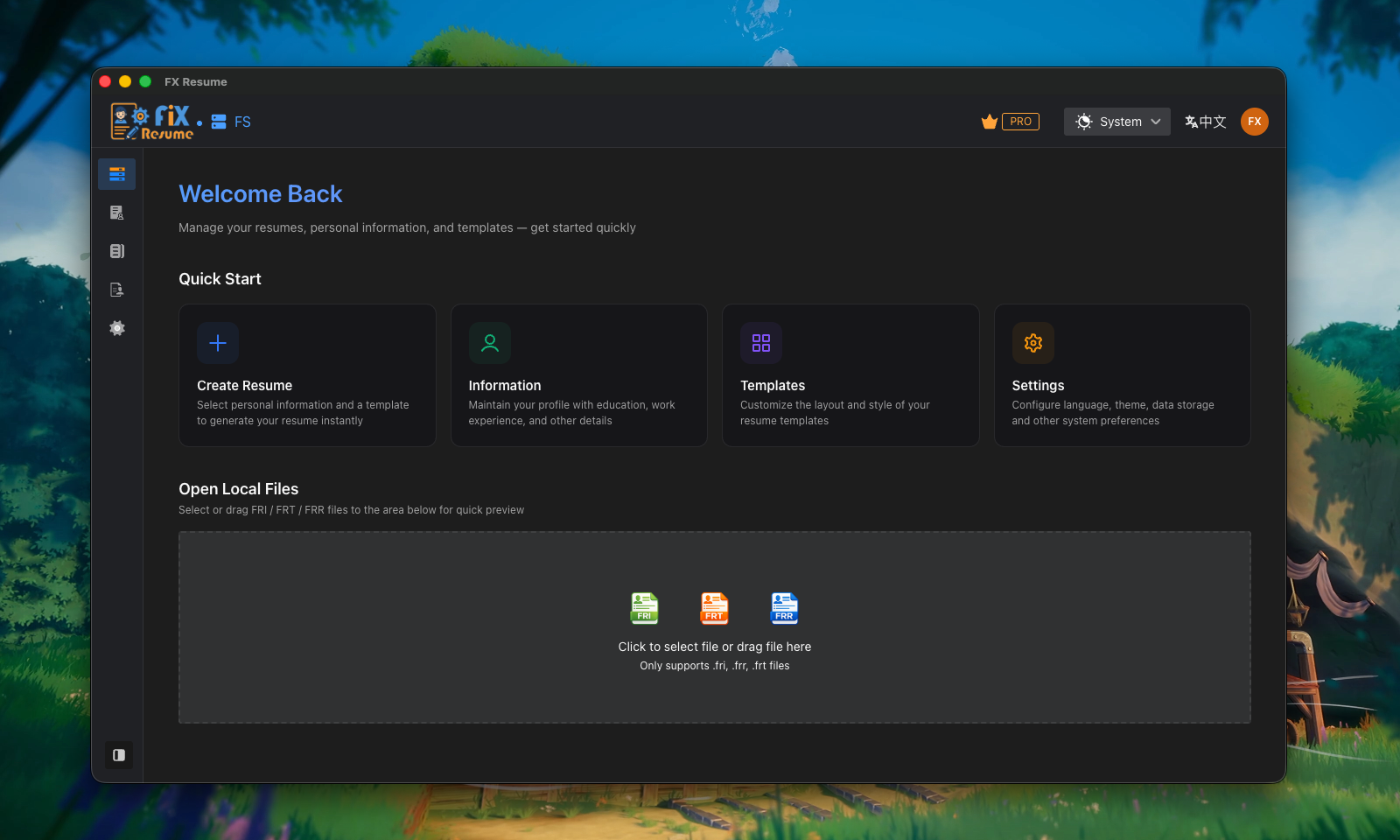
In the vast sea of people, just meeting you is wonderful ꉂ(ˊᗜˋ*)
Welcome to the user guide for Fix Resume.
Core Concept: Resume = Information + Template
Traditional resume writing often mixes styling and content together, which means every time you want to switch layouts, you essentially have to re-format everything, or even re-input your details.
The core concept of Fix Resume is: resume = information + template
We completely decouple the data from the styling. With Fix Resume, you only need to focus on two things:
- Build your resume database: Detail your education, work experience, projects, and other data once.
- Select and combine templates: Pick your favorite style from our beautiful template collection.
Fix Resume will automatically populate your information into the template, instantly generating a professional, well-formatted resume.
Basic Workflow
- Step 1: Build Personal Profile (Data)
- Enter your basic info, work experience, project info, etc. in the client to form a complete "database".
- Step 2: Pick Your Favorite Layout (Template)
- Pick a style in the template market, or utilize highly customizable features for your own flair.
- Step 3: One-Click Generation & Tweaking
- Combine your info and template to generate the resume. You can tweak specific content depending on the job, without affecting your base data.
In the following chapters, we will introduce Fix Resume's dedicated file formats (FRI, FRT, FRR) in detail, and how to use our cross-platform client.